The QuickPoly Blog
Tutorials, breakdowns and tips for 3D artists using Blender and real-time engines.

Blender Add-ons That Save Hours: Free Extensions and Paid Shortcuts
Blender add-ons are where the hours go: Node Wrangler and Rigify ship with Blender 5.2, the Extensions platform adds 1,098 free ones, and a few paid tools earn their price. Here is what to install first, and what to skip.
Oct 12, 2026 · 7 min read
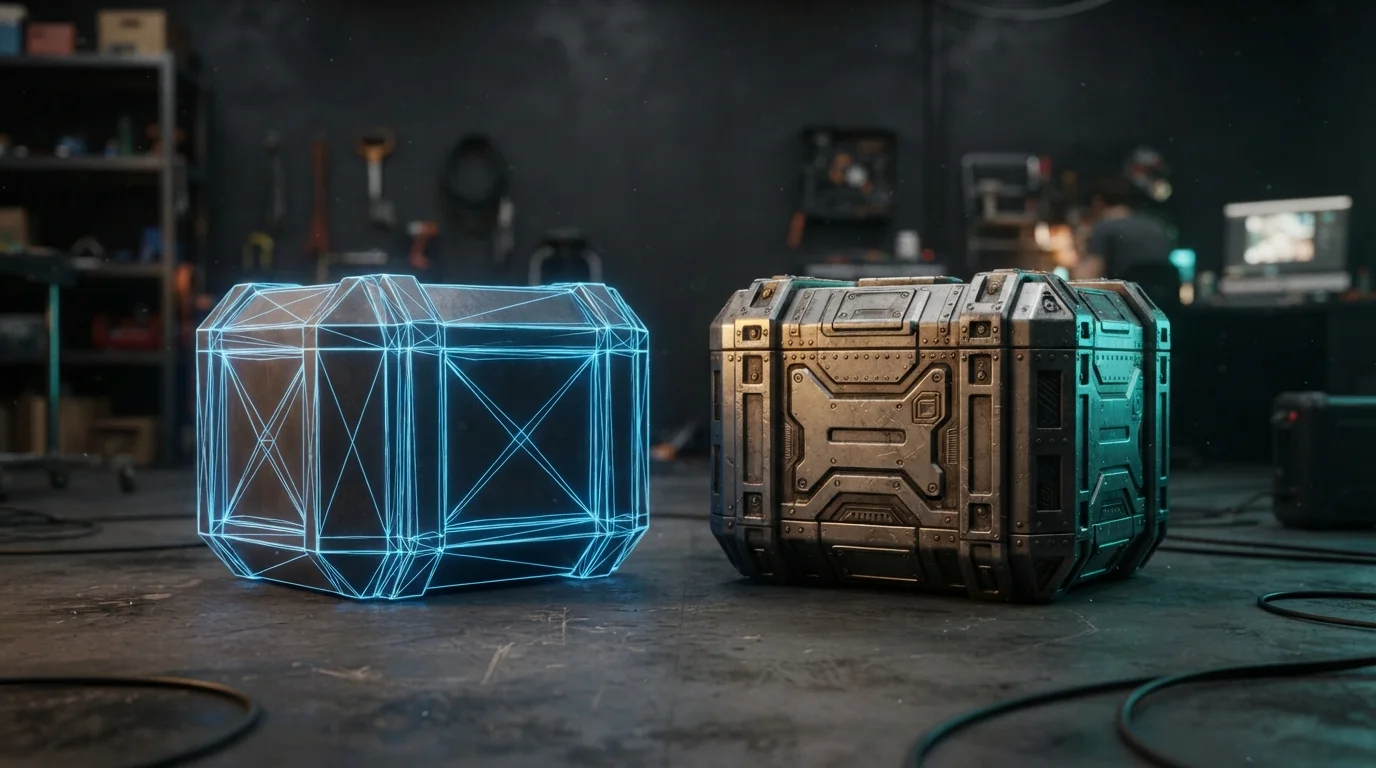
Texture Baking in Blender: High-Poly Detail on Low-Poly Assets
Your sculpt has millions of polygons and the mesh that ships has a few thousand. Texture baking in Blender 5.2 is how the detail survives the trip: Selected to Active, cage setup, ray distance, margin and the color-space rules that separate bumps from dents.
Oct 5, 2026 · 7 min read
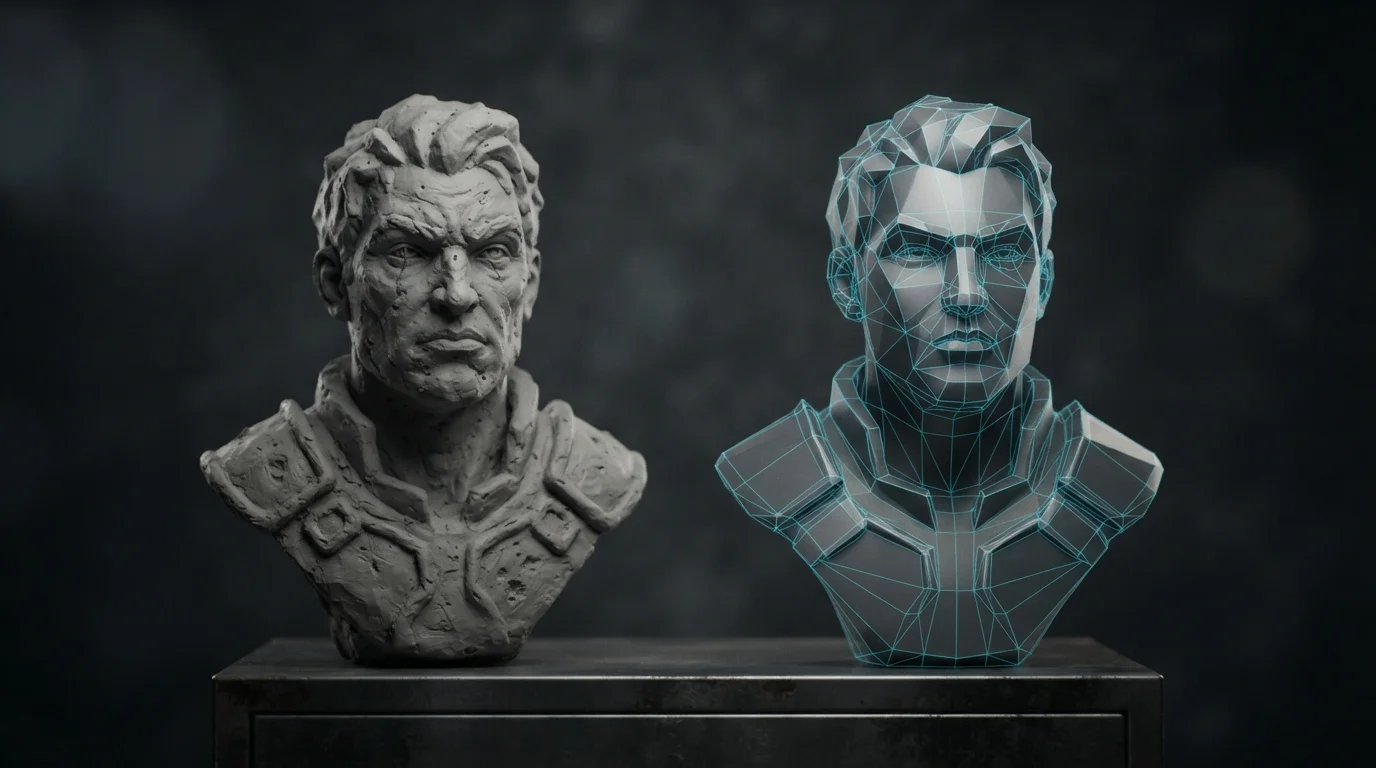
Retopology in Blender: Turn a Dense Sculpt Into a Game-Ready Mesh
Your sculpt has six million polygons and no edge loops. Here is the full retopology workflow in Blender 5.2: the shrinkwrap rig, Poly Build, snapping, edge flow rules and the triangle budget you should hit.
Sep 28, 2026 · 7 min read
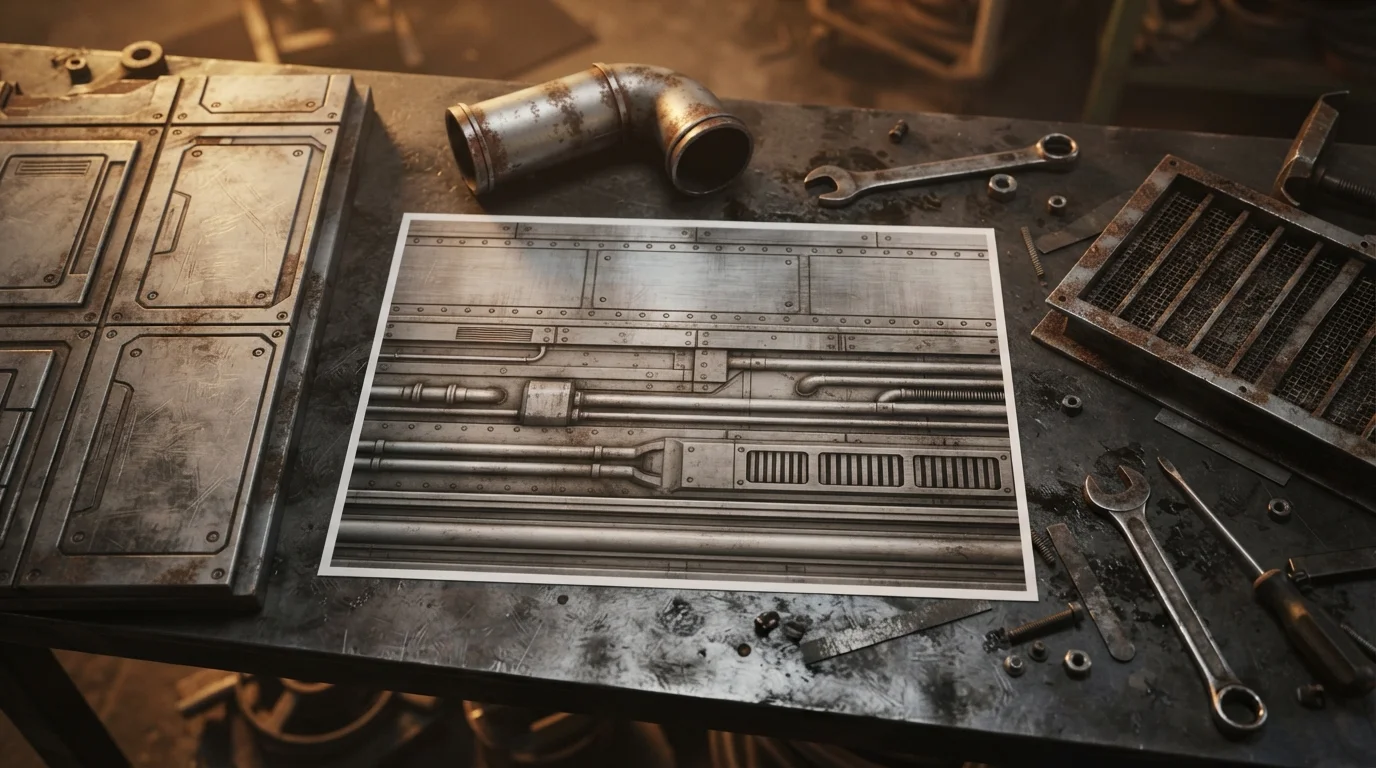
Trim Sheets in Blender: Texture Dozens of Props With One Map
One 2048 texture can dress an entire modular kit. Here is how to build a trim sheet in Blender, lay UVs on its strips, keep texel density honest, and ship one material for dozens of props.
Sep 21, 2026 · 7 min read
Vertex Colors in Blender: Paint Game-Ready Assets Without Textures
Your stylized prop ships four mask textures and 60 MB of VRAM it does not need. Vertex colors in Blender store color per vertex instead of per pixel: paint once, export it in the glTF, and drive base color, texture blends and wind masks from one attribute.
Sep 14, 2026 · 7 min read
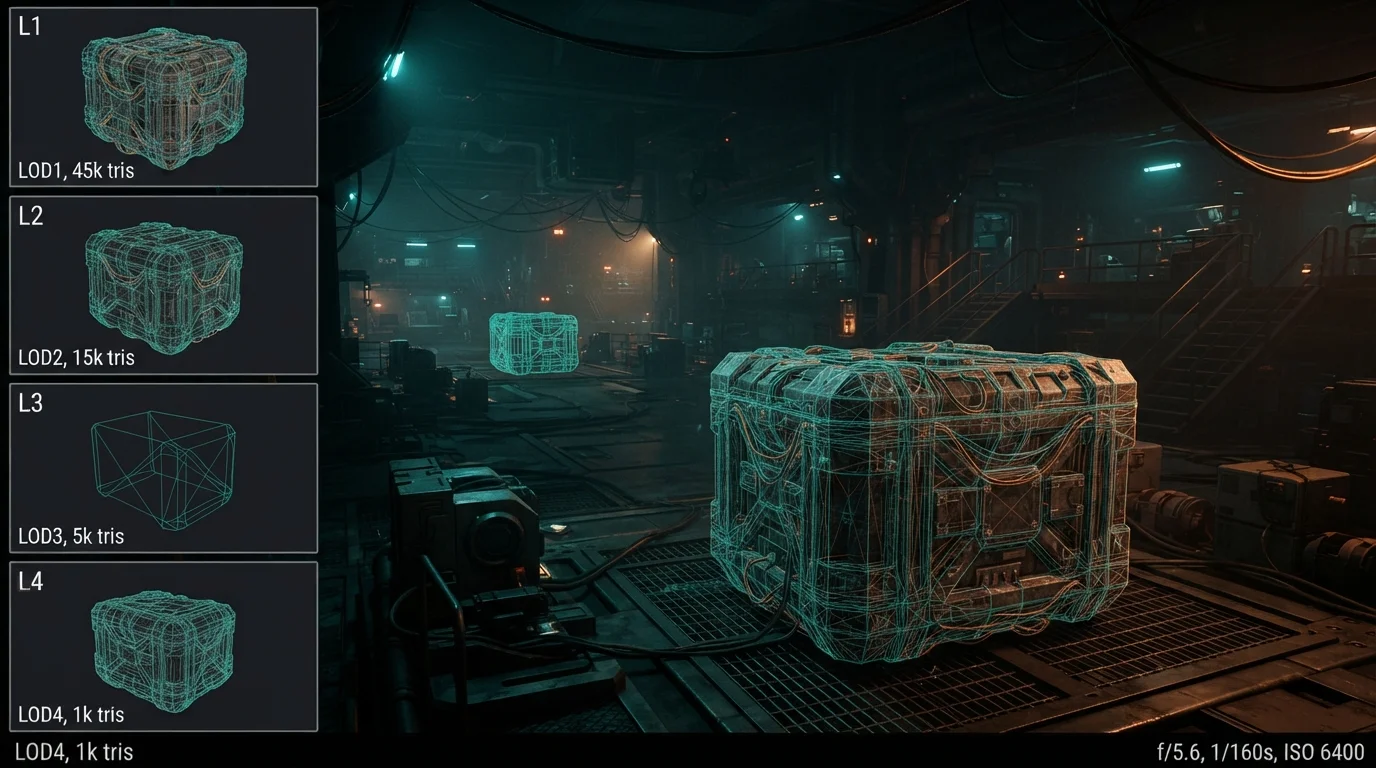
LODs in Blender: Create Game-Ready Level of Detail Sets
The stutter in your game scene is usually one thing: every prop renders at full detail no matter the distance. Learn to create LODs in Blender with the Decimate modifier, name them the way Unity expects, and export a game-ready level of detail set in minutes.
Aug 31, 2026 · 7 min read
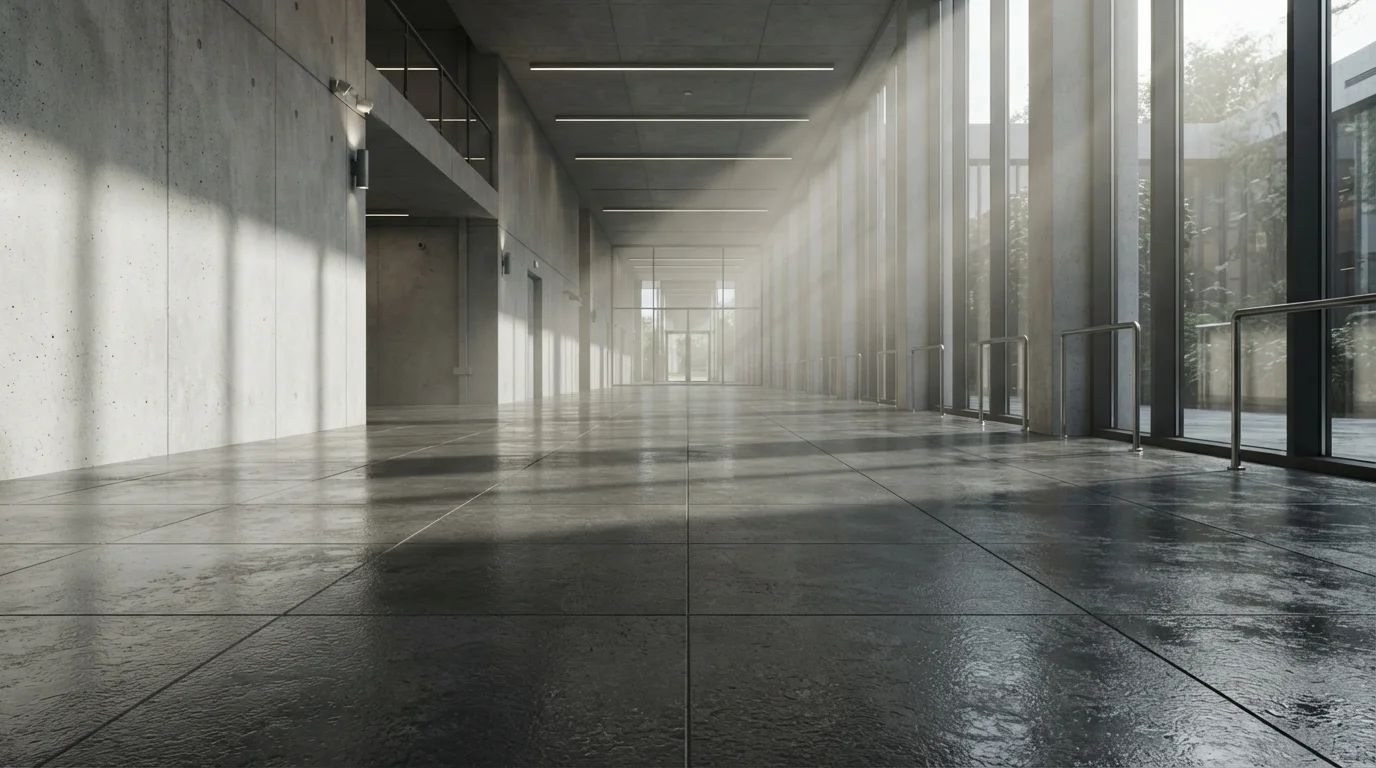
Seamless Tileable Textures in Blender: Create, Test and Fix Visible Seams
The grid stamped across your floor is a texture with seams. Learn the Blender workflow for seamless tileable textures: sculpt and paint with edge wrapping, make every PBR map tile, and break up the repetition that screams "tiled".
Aug 24, 2026 · 7 min read

Principled BSDF Material Setup: The Complete Texture Workflow in Blender
Connect PBR maps to Principled BSDF the right way: color spaces, normal nodes, displacement, and the mistakes that make materials look flat - in six steps.
Aug 17, 2026 · 6 min read

Kitbashing in Blender: Build Sci-Fi Props From Modular Parts in Minutes
Sci-fi props don't need to be modeled from scratch. Kitbashing — snapping pre-built modular parts together — turns a small library of panels, pipes and greebles into an endless supply of ships and machines. Here is the full workflow.
Aug 13, 2026 · 6 min read
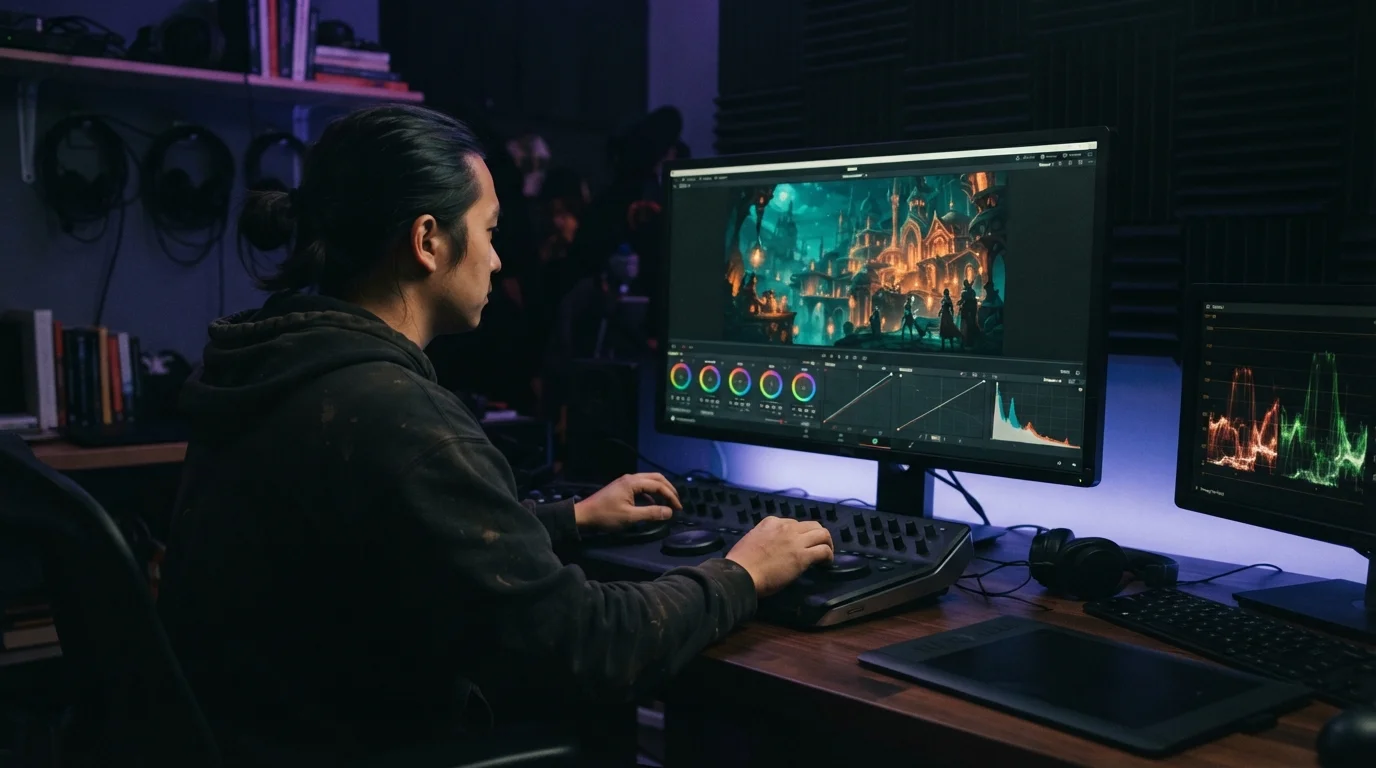
Blender Compositing for Stylized Renders: Post-Process Like a Pro
A raw render is only half the picture. With Blender's node-based compositor you can grade colors, add depth of field, glow and film grain non-destructively, without re-rendering. A practical post-processing workflow for stylized art.
Aug 13, 2026 · 6 min read

Rigid Body Physics in Blender: Make Objects Fall, Bounce and Collide
Blender's rigid body system turns any object into a physics actor. Mass, friction, bounciness and collision shapes decide how it falls, slides and bounces, and one click bakes it all to keyframes. Start here.
Aug 13, 2026 · 6 min read

How to Model a Low Poly Character in Blender: From Blockout to Game-Ready
A low poly character starts as a cube and a reference image. Block out the body, mirror it, keep quads where joints bend and stay under a few thousand triangles. Here is the full Blender workflow, from blockout to game-ready.
Aug 13, 2026 · 6 min read
GPU Rendering in Blender: OptiX, CUDA, HIP and How to Pick Your Setup
OptiX, CUDA, HIP and Metal: your GPU is the fastest renderer you already own. Here is how Cycles uses each backend, which one to enable for your hardware, and how to dodge VRAM limits on big scenes.
Aug 13, 2026 · 7 min read

Bump, Normal or Displacement? Pick the Right Detail Map in Blender
Bump maps fake detail with a grayscale height image. Normal maps do the same with RGB vectors. Displacement actually moves the geometry. Pick the right one and stop wasting render time, memory and cleanup work on the wrong map type.
Aug 13, 2026 · 7 min read