Texturing
Tutorials, breakdowns and tips for 3D artists using Blender and real-time engines.
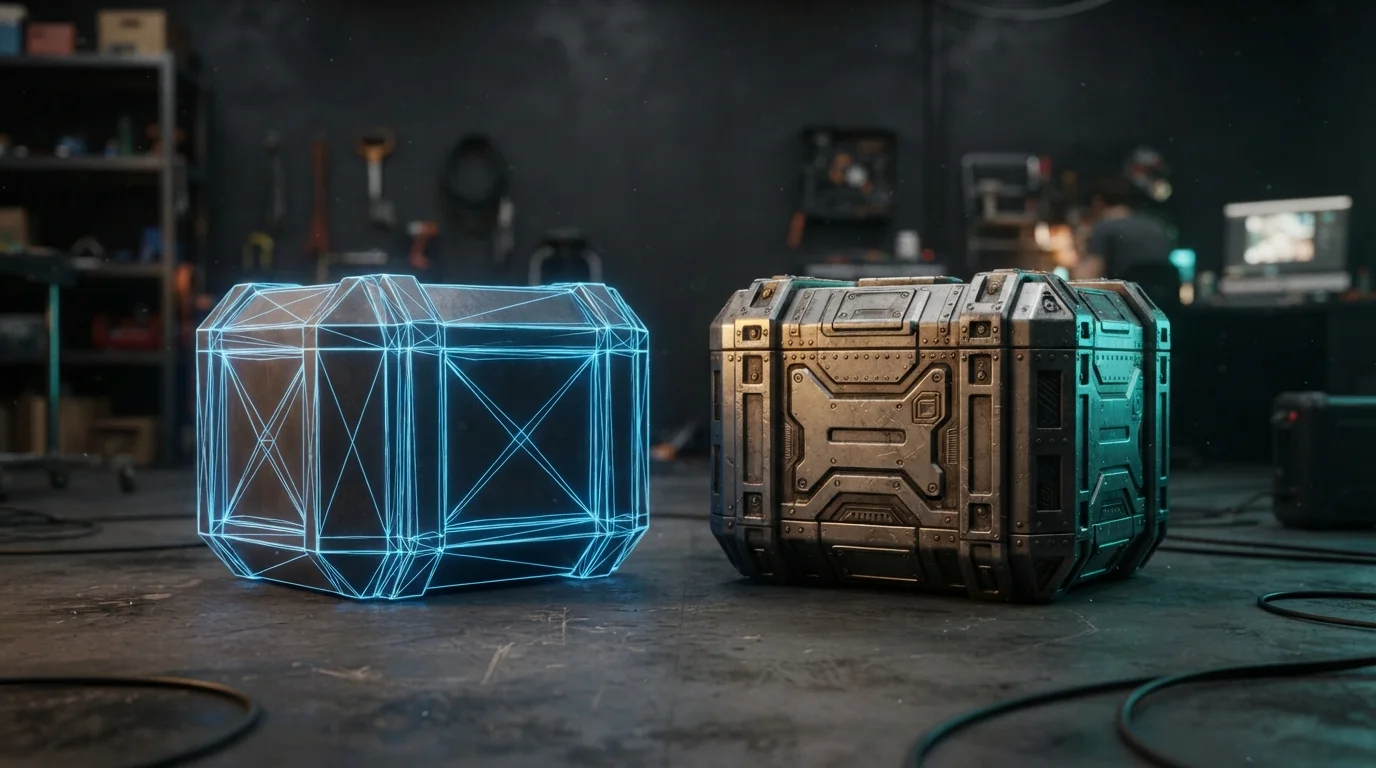
Texture Baking in Blender: High-Poly Detail on Low-Poly Assets
Your sculpt has millions of polygons and the mesh that ships has a few thousand. Texture baking in Blender 5.2 is how the detail survives the trip: Selected to Active, cage setup, ray distance, margin and the color-space rules that separate bumps from dents.
Oct 5, 2026 · 7 min read
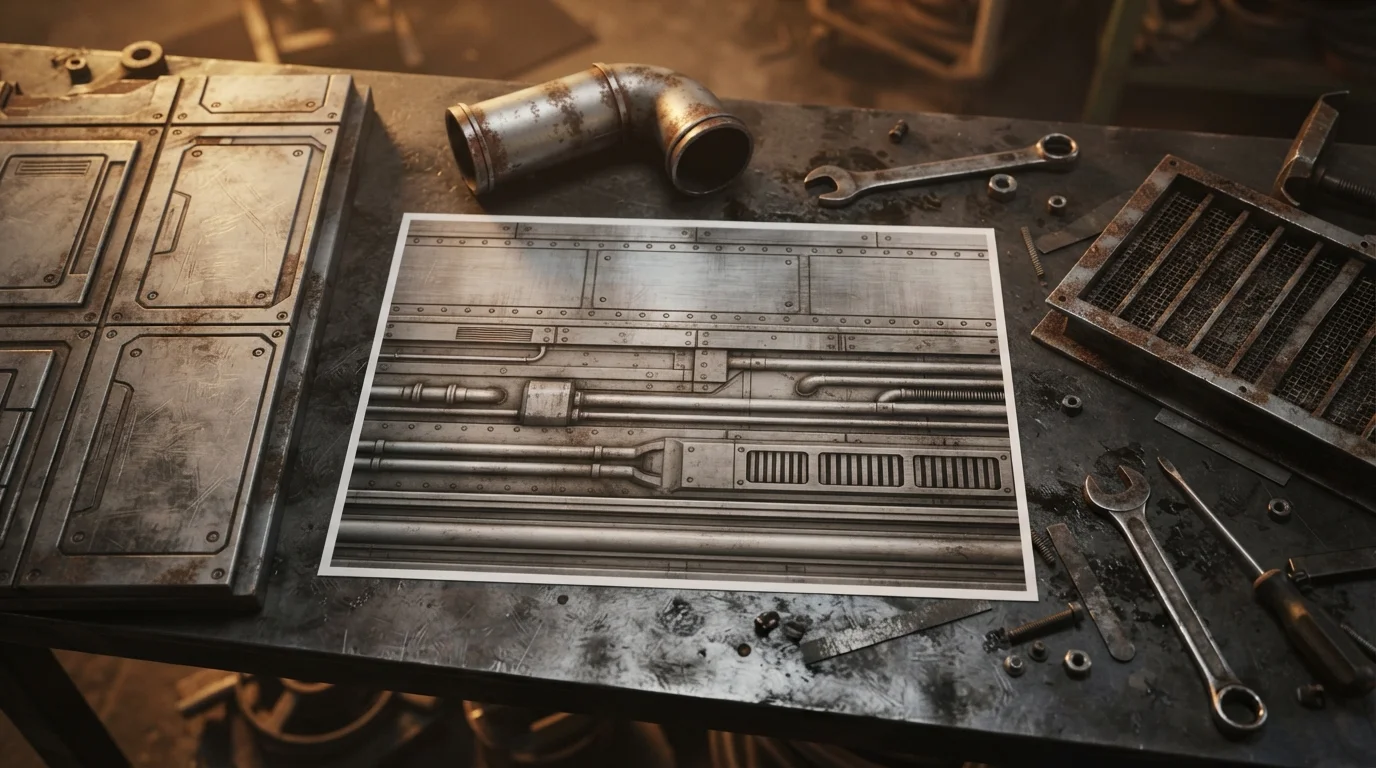
Trim Sheets in Blender: Texture Dozens of Props With One Map
One 2048 texture can dress an entire modular kit. Here is how to build a trim sheet in Blender, lay UVs on its strips, keep texel density honest, and ship one material for dozens of props.
Sep 21, 2026 · 7 min read
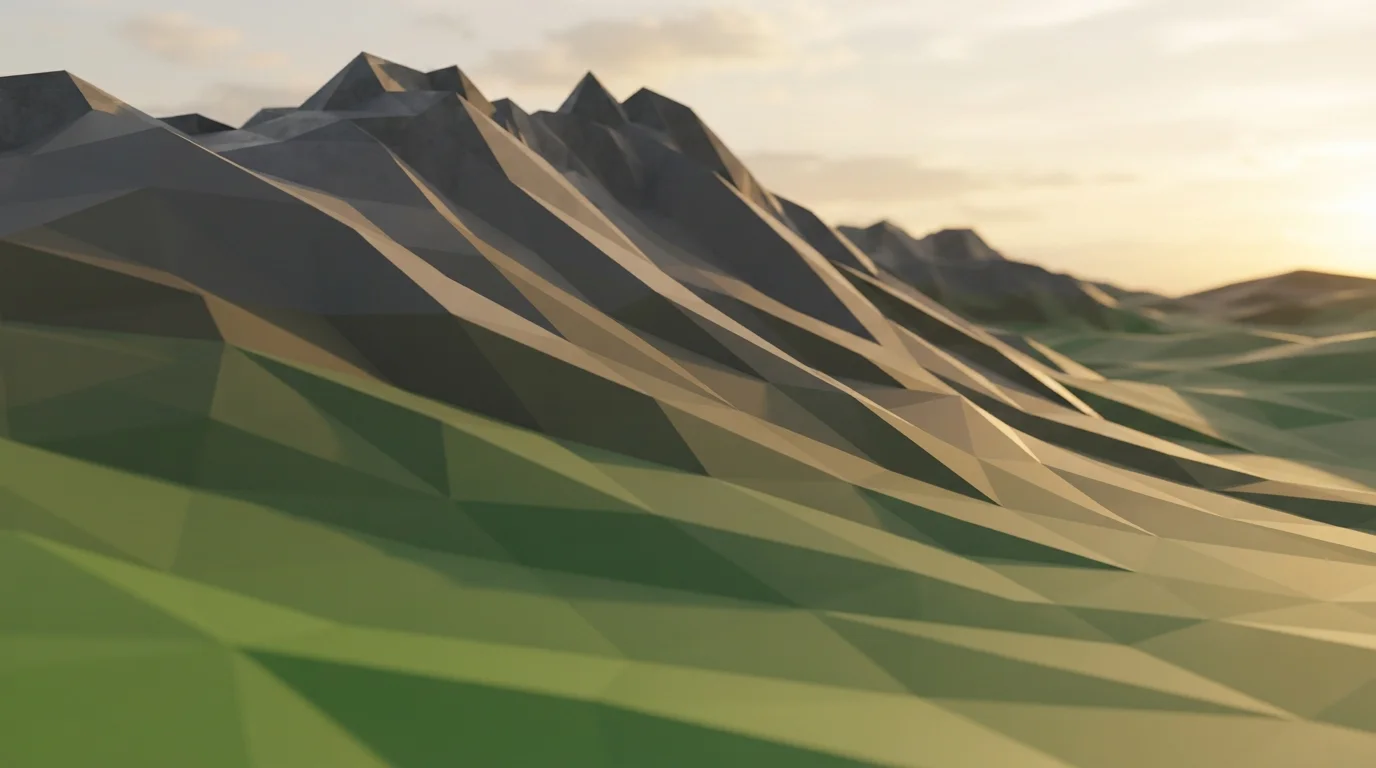
Vertex Colors in Blender: Paint Game-Ready Assets Without Textures
Your stylized prop ships four mask textures and 60 MB of VRAM it does not need. Vertex colors in Blender store color per vertex instead of per pixel: paint once, export it in the glTF, and drive base color, texture blends and wind masks from one attribute.
Sep 14, 2026 · 7 min read
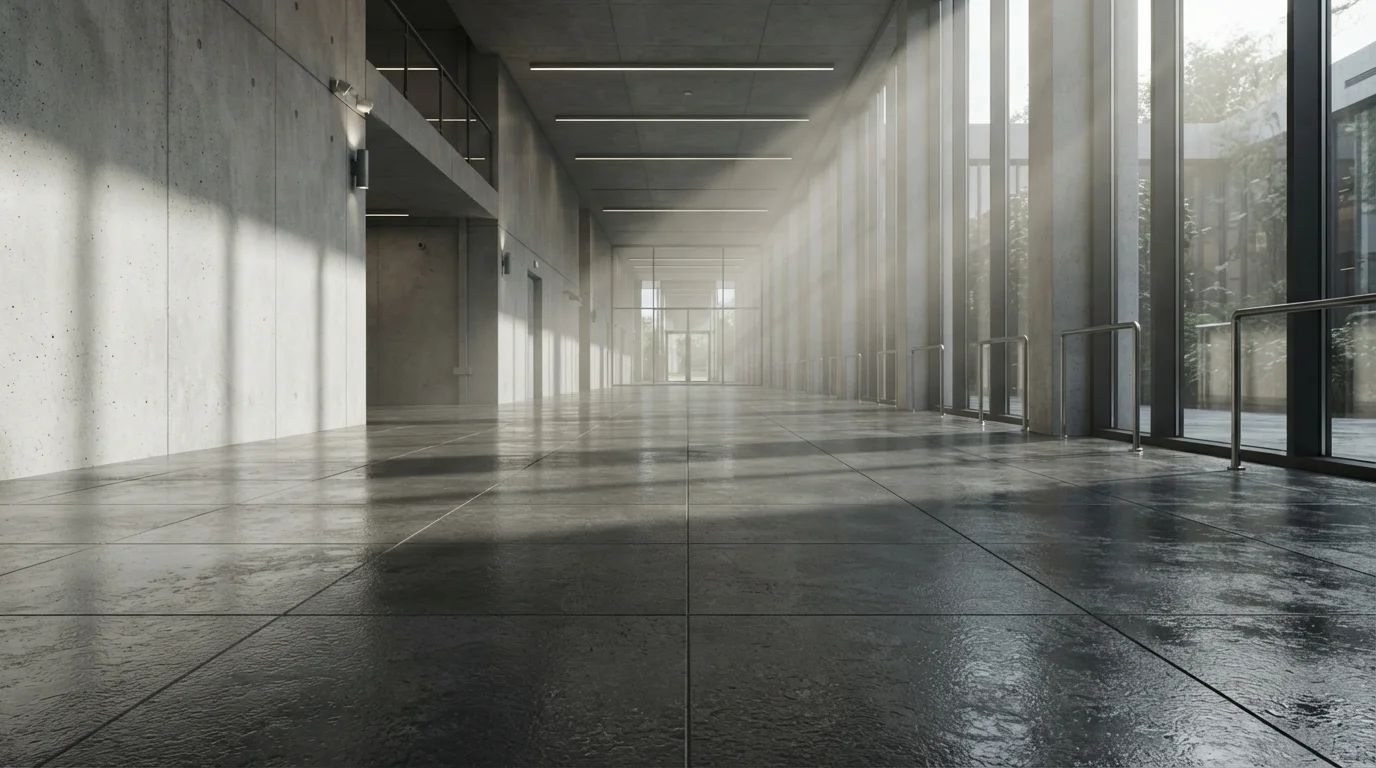
Seamless Tileable Textures in Blender: Create, Test and Fix Visible Seams
The grid stamped across your floor is a texture with seams. Learn the Blender workflow for seamless tileable textures: sculpt and paint with edge wrapping, make every PBR map tile, and break up the repetition that screams "tiled".
Aug 24, 2026 · 7 min read
Principled BSDF Material Setup: The Complete Texture Workflow in Blender
Connect PBR maps to Principled BSDF the right way: color spaces, normal nodes, displacement, and the mistakes that make materials look flat - in six steps.
Aug 17, 2026 · 6 min read
Bump, Normal or Displacement? Pick the Right Detail Map in Blender
Bump maps fake detail with a grayscale height image. Normal maps do the same with RGB vectors. Displacement actually moves the geometry. Pick the right one and stop wasting render time, memory and cleanup work on the wrong map type.
Aug 13, 2026 · 7 min read